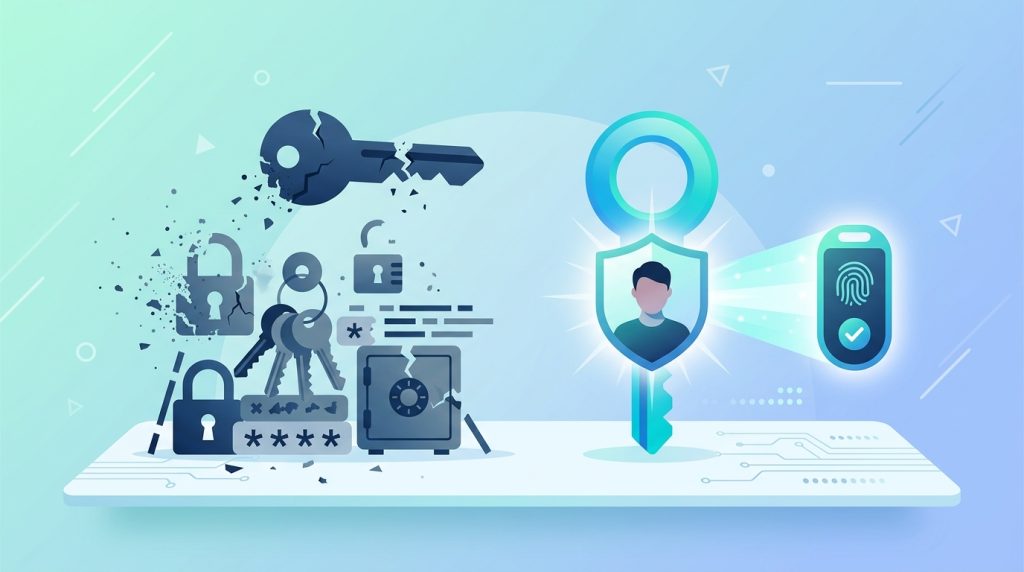

Passwords have been the weakest link in security for decades. We reuse them, we forget them, we get them phished, and no amount of “must contain a symbol” rules has fixed that. Passkeys are the industry’s serious attempt to replace passwords entirely — and as a developer, this is a shift worth understanding now, because your users are already starting to expect it.
What a passkey actually is
A passkey is a pair of cryptographic keys created for a specific website. The private key stays on the user’s device (phone, laptop, or hardware key) and never leaves it; the public key is stored on your server. To sign in, the device proves it holds the private key by signing a challenge — usually gated behind the phone’s fingerprint or face unlock. There is no shared secret traveling over the network, which means there is nothing to phish, leak, or reuse.
Why it kills entire categories of attacks
Because the private key never leaves the device and is bound to your site’s domain, passkeys are immune to the attacks that plague passwords:
- Phishing — a fake login page can’t obtain a signature for the real domain.
- Credential stuffing — there’s no reused password to try elsewhere.
- Database breaches — your server only stores public keys, which are useless to an attacker.
That last point is the quiet revolution: even if your entire user table leaks, there are no passwords to crack.
The technology underneath
Passkeys are built on the WebAuthn standard and the FIDO2 protocol. In the browser, you’re working with the navigator.credentials API:
// Registration (simplified)
const credential = await navigator.credentials.create({
  publicKey: {
    challenge, // from your server
    rp: { name: "Developer Utilz" },
    user: { id, name, displayName },
    pubKeyCredParams: [{ type: "public-key", alg: -7 }],
  },
});
// Send credential.response to your server to store the public key
Sign-in mirrors this with navigator.credentials.get(). You verify the returned signature against the stored public key. Most teams don’t hand-roll this — libraries like SimpleWebAuthn handle the fiddly encoding on both client and server.
The part users love
Here’s why adoption is accelerating: passkeys sync. Create one on your phone and, through your platform’s keychain (Apple, Google, or a password manager), it’s available on your other devices automatically. For the user, “signing in” becomes a fingerprint tap. No typing, no reset emails, no forgotten passwords. Once people experience it, going back to typing a password feels archaic.
How to start as a developer
You don’t have to rip out passwords overnight. The pragmatic path is to add passkeys as an option alongside existing login, let users enroll one, and gradually make it the default. Offer it right after signup or on the account security page. Because passkeys fall back gracefully, you can adopt incrementally without breaking anyone.
The takeaway
Passkeys are not a minor convenience feature — they remove the shared secret that has been the root cause of most account breaches. The standards are mature, the platform support is broad, and users genuinely prefer the experience. If you build authentication, adding passkey support is one of the highest-impact security improvements you can ship this year.